Slik kjøper du
Trenger du råd? Våre kunskapsfulle forhandlere er mer enn glad for å hjelpe deg. Selv med store og små spørsmål.
Finn en forhandler nær deg
VRM Portal improvements for managing multiple installations
Good morning!
This week we launched several new features for our VRM Portal, improving its usability when managing multiple installations. The first new features are user teams and installations groups. And the other is the ability to copy the settings of the Advanced page from one installation to another.
Together, both changes drastically reduce the amount of work needed in administering who has access to what, as well as setting up systems such that they are all the same.
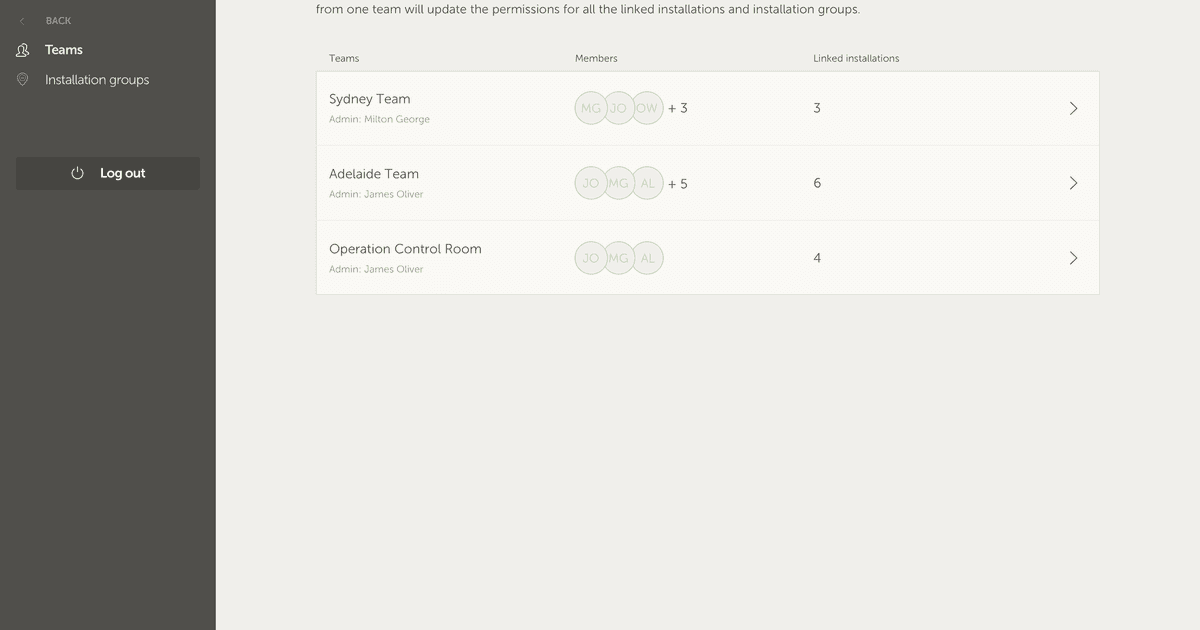
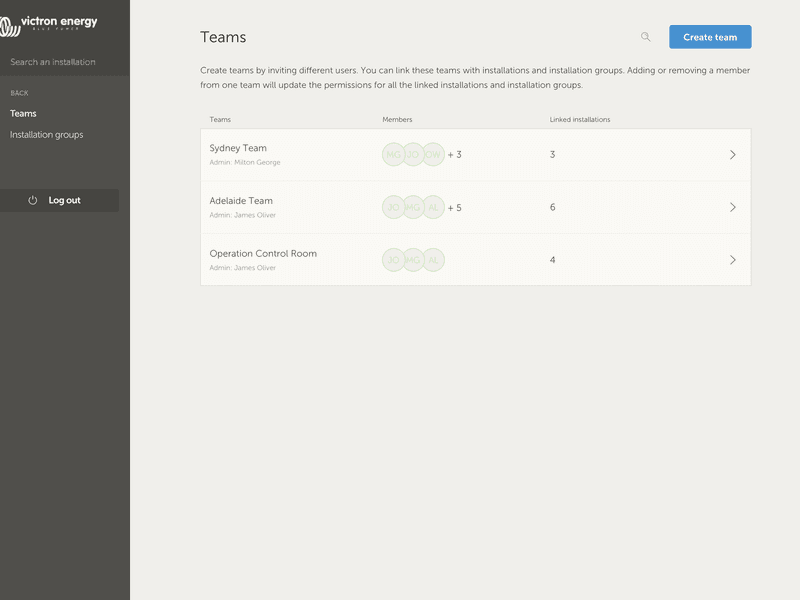
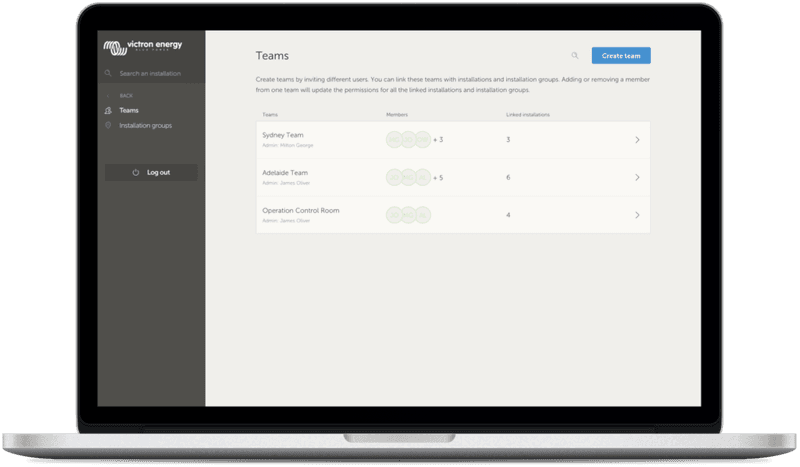
With user teams, you can put multiple users together in a team, and then give the team access to installations. With that, it’s easy to add a new colleague as well as remove access in case someone leaves the team or company.
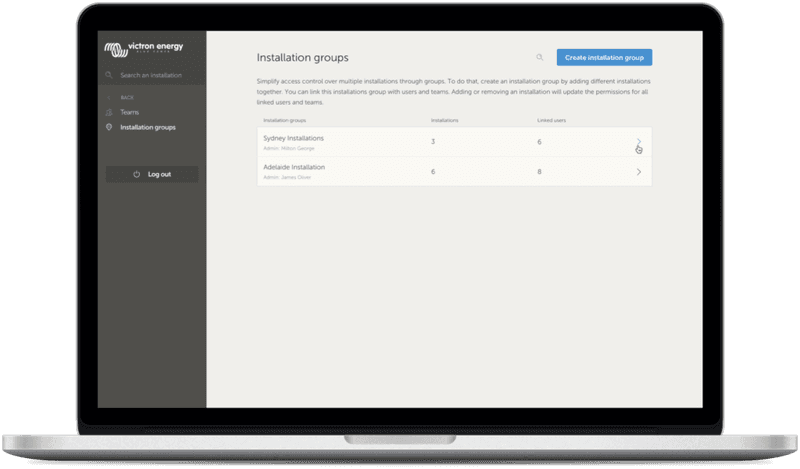
Installation groups are similar. Use that to group multiple installations together. And then manage user access on the level of that group rather than per individual installation. Also it is possible link a user team to an installation group.
Still with me? It can be a bit confusing, it definitively was a challenge to add these powerful features without making everything less intuitive. Here is an example to help illustrate what can be done:
Imagine a company renting out and maintaining hybrid generators throughout Australia. They also have teams of technicians taking care of those, some located on the Gold Coast, others near Perth and also a team around Sydney, one in Adelaide and so forth. So, as an example: first group the installations together by location. For example a group called Sydney, with all hybrid generators rented out from the Sydney branch. And another one called Adelaide, and so forth.
Next make user teams, one for each area again. Then join those installation groups and the user teams together, ie. give the teams access to their installation groups.
Lastly, perhaps there is a nation wide operation control room, make another team for them, give them the required access (read-only, or full) for all of the installation groups; costs only a few clicks.
Now, with all that set-up, adding a newly commissioned hybrid generator is very simple, just add it to VRM and then add it to the right installation group.
Similarly, when adding new technicians, they only need to be added to the right group.
So in summary: less clicks, and more secure. Lastly, while speaking of security: all changes made to the source code have been audited for security by an external specialist company.
Teams
Groups
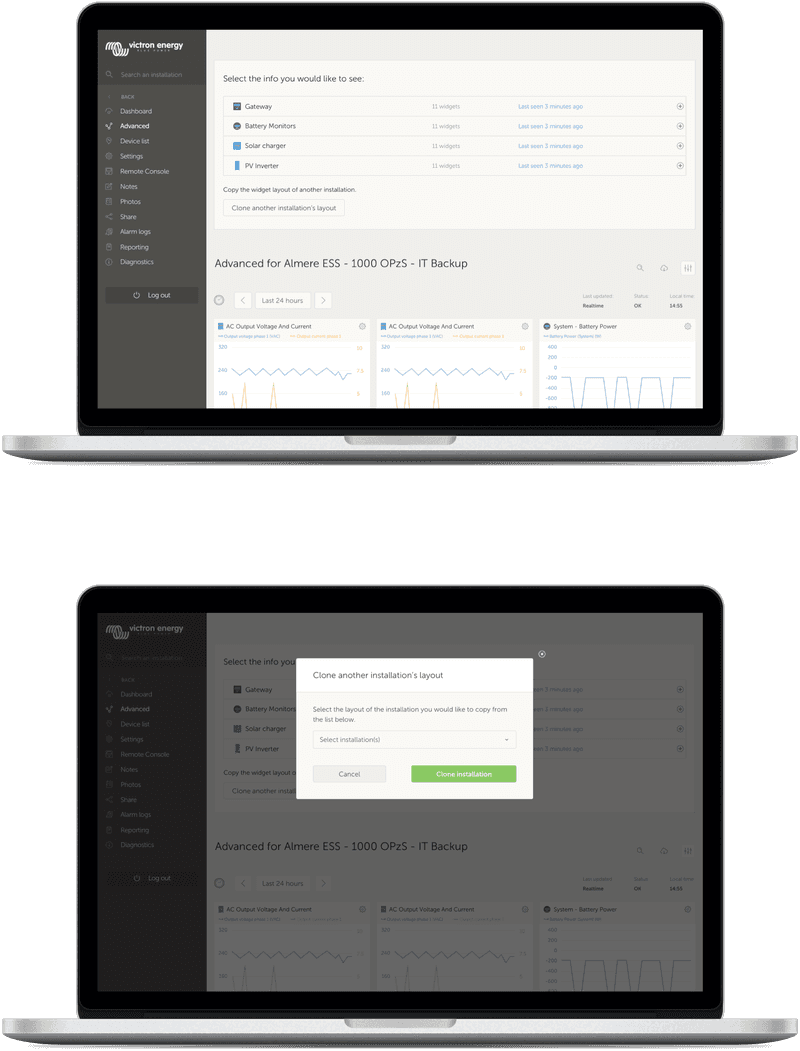
The other area that currently requires a needless amount of clicking is the advanced page. And here we also have a new feature. After adding a new installation, you can now copy the set up from an already existing installation with a few clicks. This will enable and position all graphs and information boxes in the exact same way that they’re set up on the source.
Copy Advanced Widget Layout
I hope above helps to get the best possible out of our monitoring tools. And be informed that we are continuously improving the VRM Portal. Unlike this blogpost, most improvements are launched without too much announcement and marketing. For a full list of changes, see the VRM change log.
Yours sincerely,
Matthijs Vader
Victron Energy BV
Trenger du råd? Våre kunskapsfulle forhandlere er mer enn glad for å hjelpe deg. Selv med store og små spørsmål.
Finn en forhandler nær deg
Sjekk med vår support ressurs eller kontakt din lokale forhandler for dedikert support, reparasjon eller garantiforespørsel.
Support
Les mer om vår bransjeledende 5-års standardgaranti og globale reparasjonsservice.
Garanti

Meld deg på vårt nyhetsbrev på ditt foretrukne språk

Dette er Victron

Personvernserklæring
Informasjonskapselpreferanser
Bruk av informasjonskapsler
Vilkår for bruk
Juridisk merknad
©Victron Energy 2026